Bryan's daily Linux desktop
Two halves.
One daily
desktop.
Chrome for the interactive side. Terminals and agents for building and figuring things out. Niri gives both room.
Niri · SwayNC · Rofi · Kitty + Zsh · a few small services
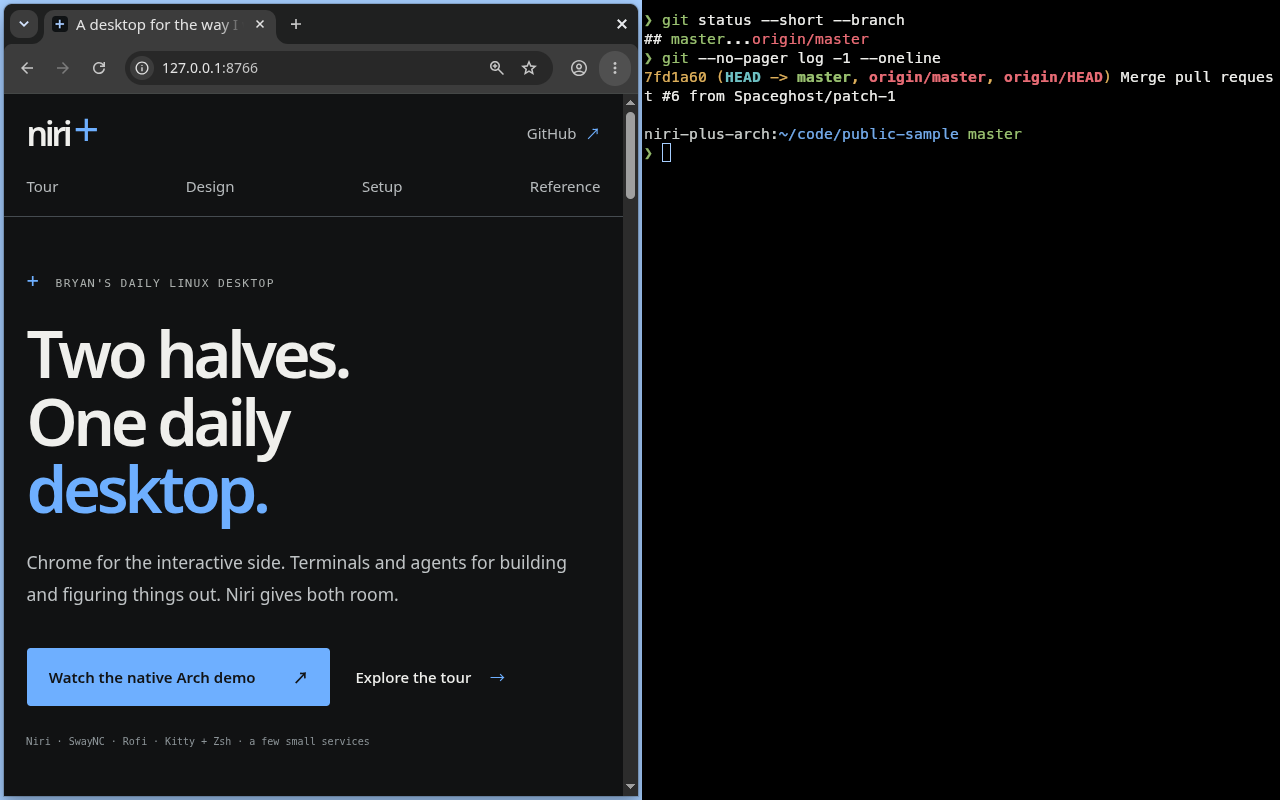
Chrome for interactive work, with the native terminal beside it.
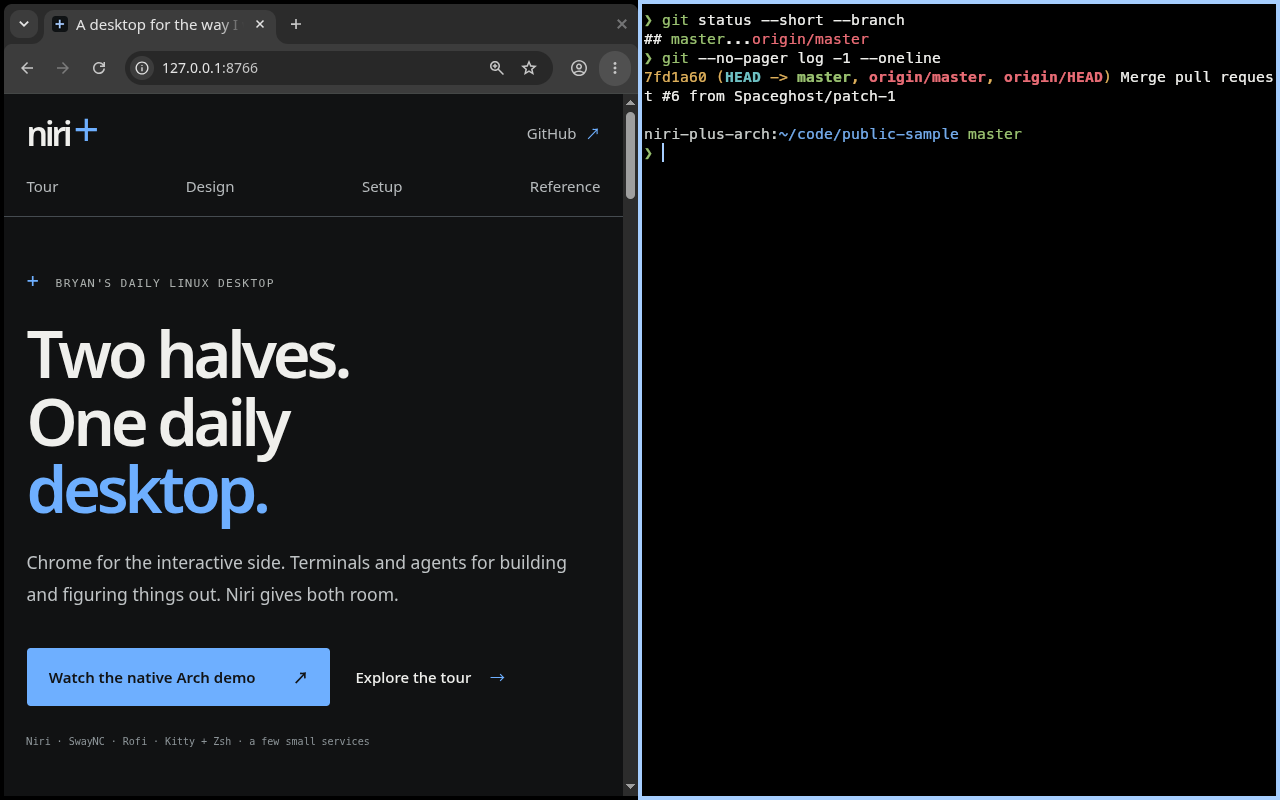
A native Zsh prompt, readable Git output, and the browser within reach.
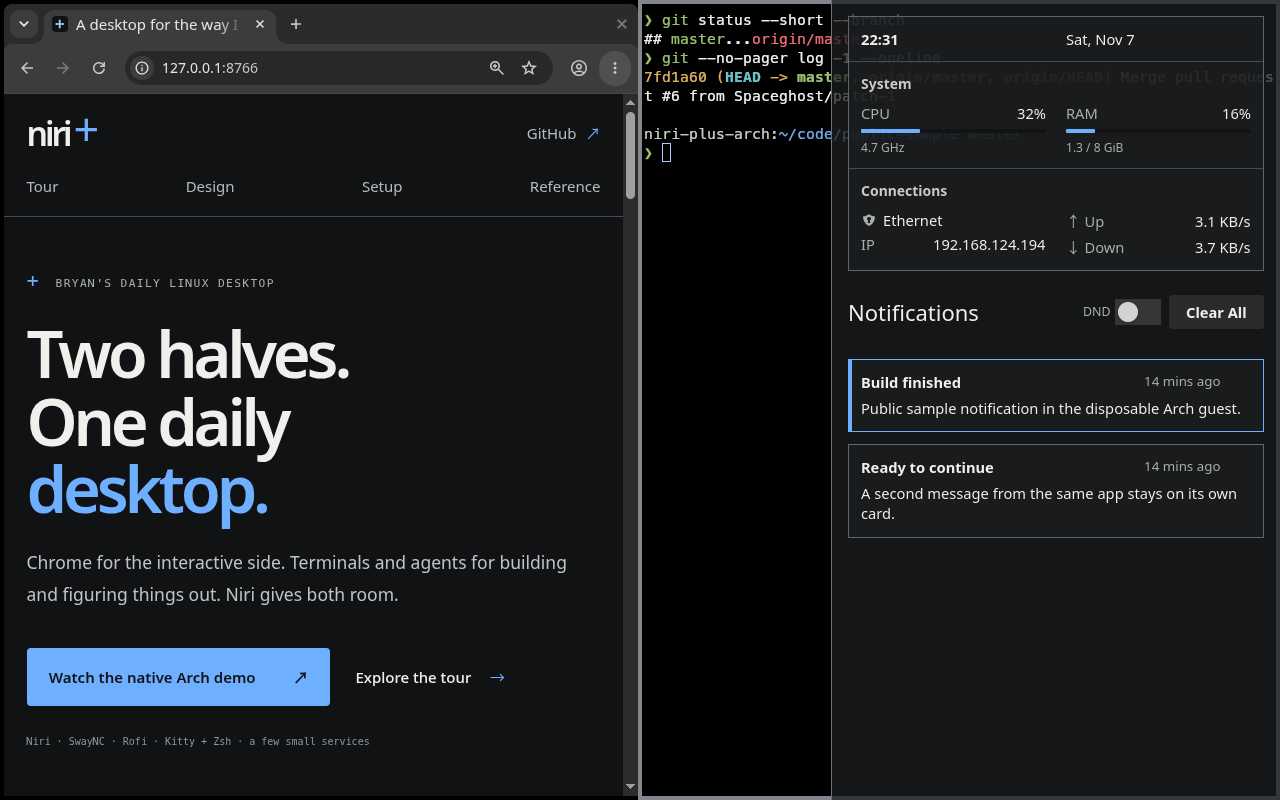
Open SwayNC, check the available system and network readings, then return to work.
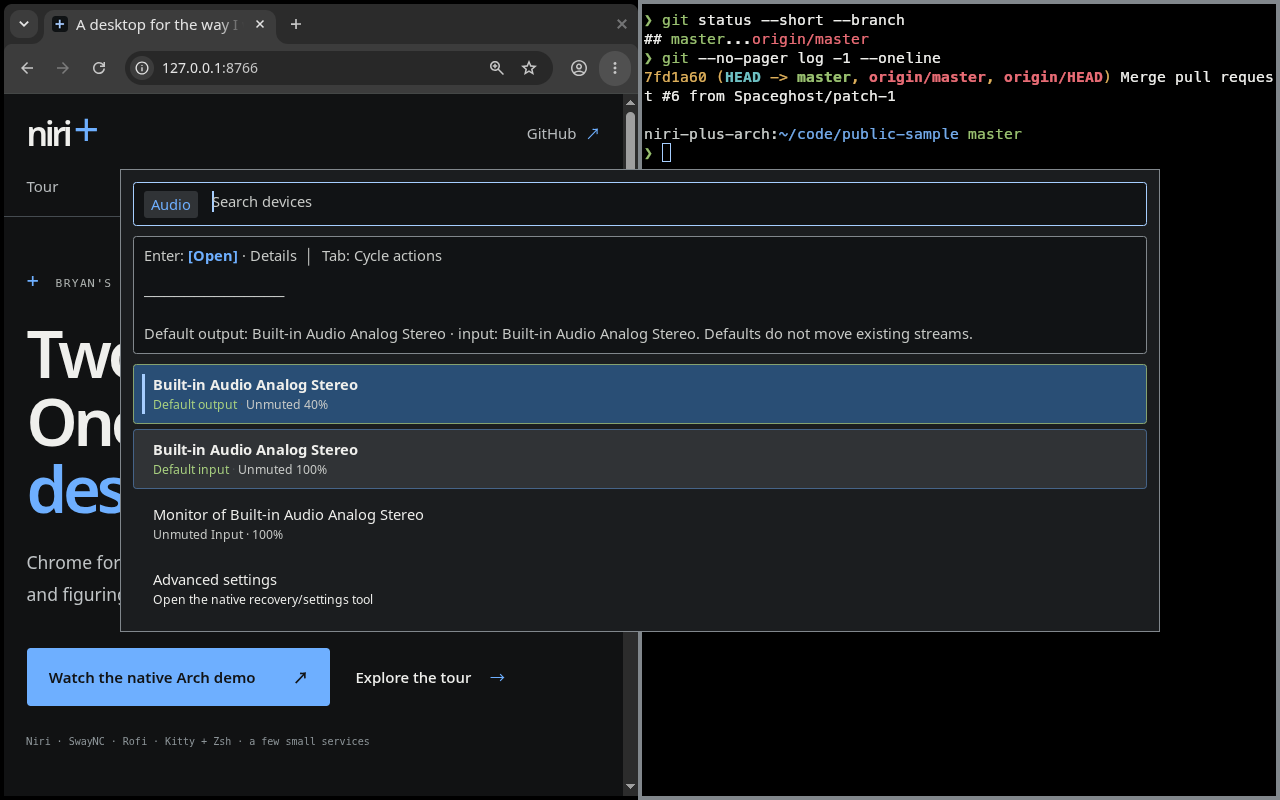
Find an audio device, see its state, and choose a named action in Rofi.
The starting point
A desktop shaped
by what I actually do.
I spend most of my time on the internet or making something in a terminal. Over time, my setup has become a close fit for those two ways of working.
Keyboard control, repeatable configuration, and work that can move between machines. With graphical tools where they feel natural, and agents as part of the everyday workflow.
Inside the workflow
The useful little things.
The browser, with room to breathe.
Read, browse, download, send. Keep the familiar file interactions.
Back at the keyboard.
Build something. Ask an agent. Return to the right window.
Information, when I want it.
A notification panel, system details, and clipboard history on demand.
A laptop is just one way in.
Reach the host and session where the work already lives.
The visual identity
A quiet base.
A clear point of focus.
Neutral Slate pairs warm charcoal surfaces with a pure-black workspace and Balanced+ terminal. Noto Sans, Meslo and Clear Blue focus carry through the desktop.
The Design page shows the selected palette and the launch, information, terminal, and login/lock surfaces. These are illustrations; the reference records machine adoption separately.
Explore the designMake it yours
Understand the setup.
Make your choices.
The overview explains the desktop and the choices to make. It starts with the recommended installation path: give the detailed guide to your agent.