Inside the experiment
Building and cutting a solid.
A robot assembled from simple shapes. A cut that reveals the grain inside. Both begin with a way to describe a solid beyond its visible skin.
The film replays authored steps. Continuous brush editing is a separate, deferred experiment.
01 · Look inside
The material continues through the cut.
Wood grain and marble veins are evaluated through a volume. Cutting a new face exposes another part of that field, so the pattern continues across the outside and the new interior.
Four fields, the same cut.
Grain, veins, oxide and transparent interfaces continue through the solid. Compare the saved operation with the camera held still.
The committed cuts retain each body’s continuous material field.
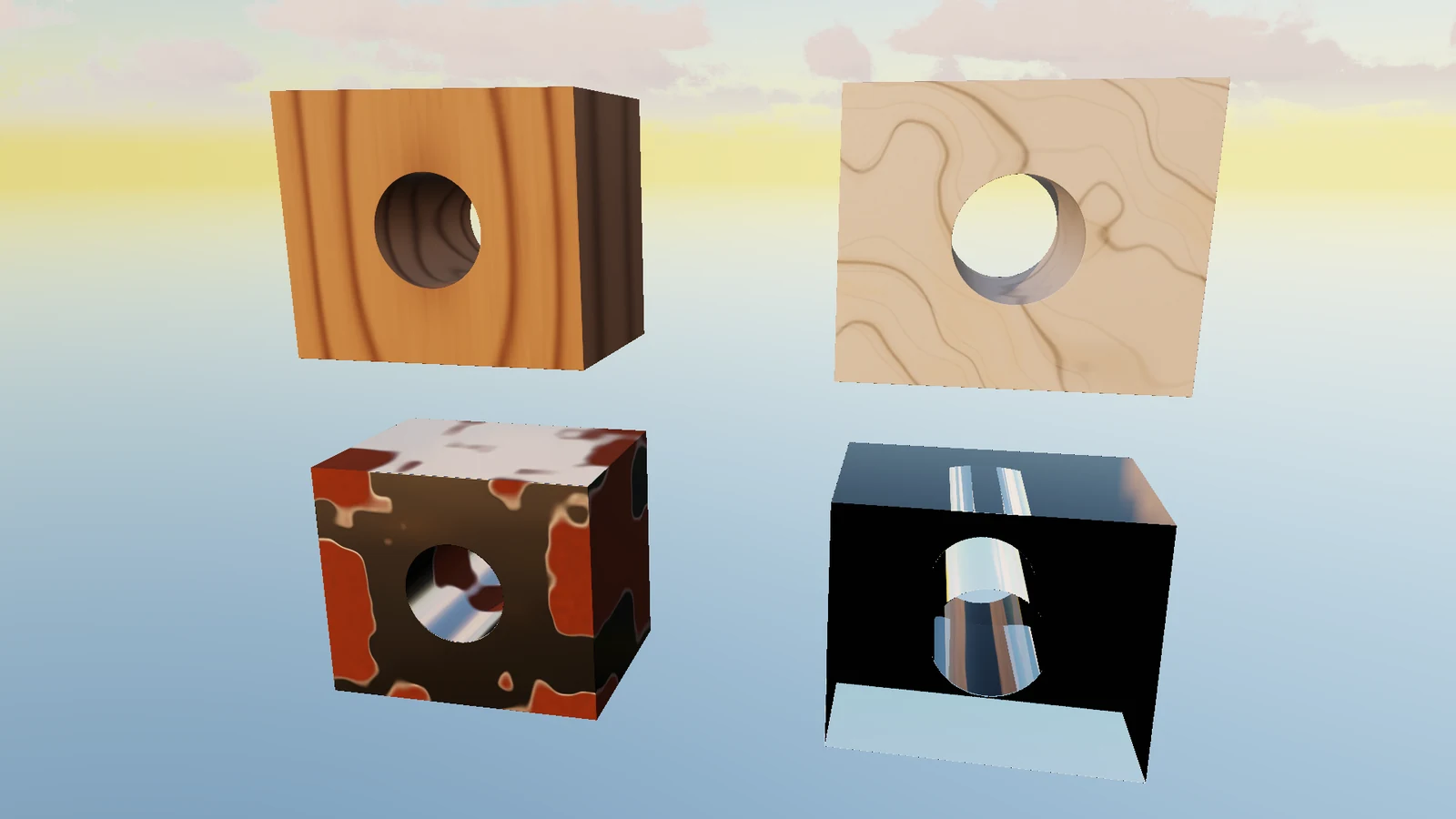
Native SDF captures · fixed camera, saved cut states. Rusted steel and clear glass extend the comparison. Glass uses the gallery’s environment-only light path: it traces its own interfaces and samples the environment, without refracting the other displayed bodies.
See all twelve materials in forward PBR and SDF ↗02 · Describe the solid
A surface is where the value reaches zero.
A signed-distance field assigns a value to a position: negative inside a shape, positive outside, zero on its boundary. Simple shapes have compact distance functions.
Combine those functions to join solids or remove one from another. The new inside wall follows from the same description of the solid.
Try the three stages, then move the cutting shape.
A little of the math
For distances a and b, a union uses min(a, b); a subtraction uses max(a, −b). These combinations preserve the sign and surface, but their magnitude is a conservative distance bound rather than the exact Euclidean distance everywhere.
Remove the circular region. Its boundary becomes a new inside wall.
An illustrative field and sampled contour. This diagram does not edit a native Cubey model.
03 · Find the surface
Use the distance to choose the next step.
Send a ray from the camera. At each sample, the distance tells it how far it can advance towards a possible surface. Far away, it can take a large step; near the boundary, the steps shrink.
Here, a circle gives an exact distance. Step through the ray by hand, or raise it until it misses. The thin green circle shows the distance available at the current sample.
“Close enough” here is a small illustrative tolerance. The units and step count are unrelated to native frame timings.
Sample 1: 1.32 units to the surface. Advance by this distance.
A 2D explanation of distance-guided stepping, separate from the native renderer below.
In Cubey
Keep the detail near the surface.
The native renderer does more than evaluate a circle. Cubey builds a hierarchy of the solid and stores small 3D grids of distance samples near its surface. Rays skip coarse empty regions, then interpolate those stored samples to find a hit.
- 01Author
Shapes and operations describe the solid.
- 02Build
A hierarchy and near-surface sample bricks cache the field.
- 03Trace
Traverse cells and sample the field to find the visible boundary.
- 04Shade
Estimate the normal, evaluate the material, then light the surface.
The stored field is an approximation. Sampling, hit tolerances and grazing silhouettes matter; the illustration above is not a simulation of the native brick tracer. Geometry edits currently rebuild the field synchronously. Material changes can reuse that geometry cache.
04 · How it developed
One experiment made room for the next.
The first question was how to render and inspect these fields. A robot, a sculpture and a material workshop each put a different kind of pressure on that foundation.
01 · Procedural cuts
Start with a simple question.
Historical native capture · procedural closeout
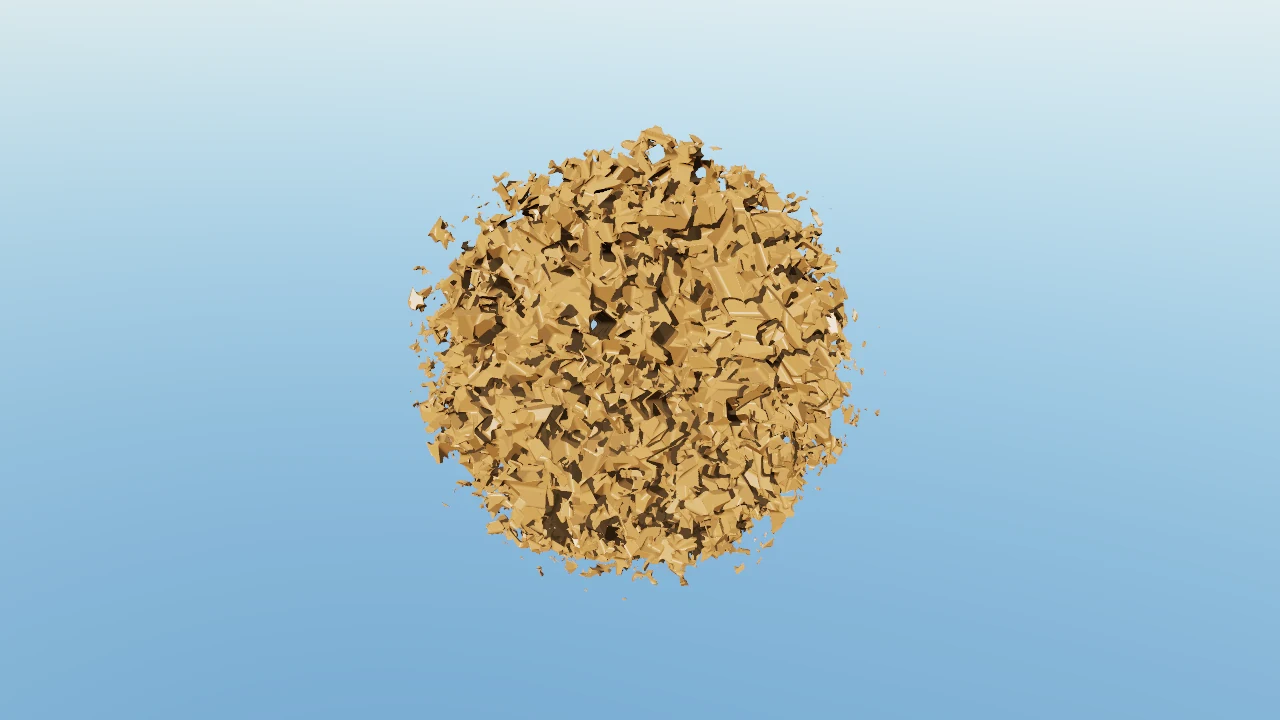
What happens when thousands of small solids add to, or cut away from, a shape? Stick forms and carved spheres exercised the field, traversal and saved recipes before there was a character to build.
Prototype record ↗
02 · Authored construction
Give the operations a purpose.
The robot turned those operations into assemblies: a torso, limbs, joints and a field kit. Its construction history made the composition inspectable. A later joint review corrected the relationship between the modeled hinges and the pose.
Explore the robot ↗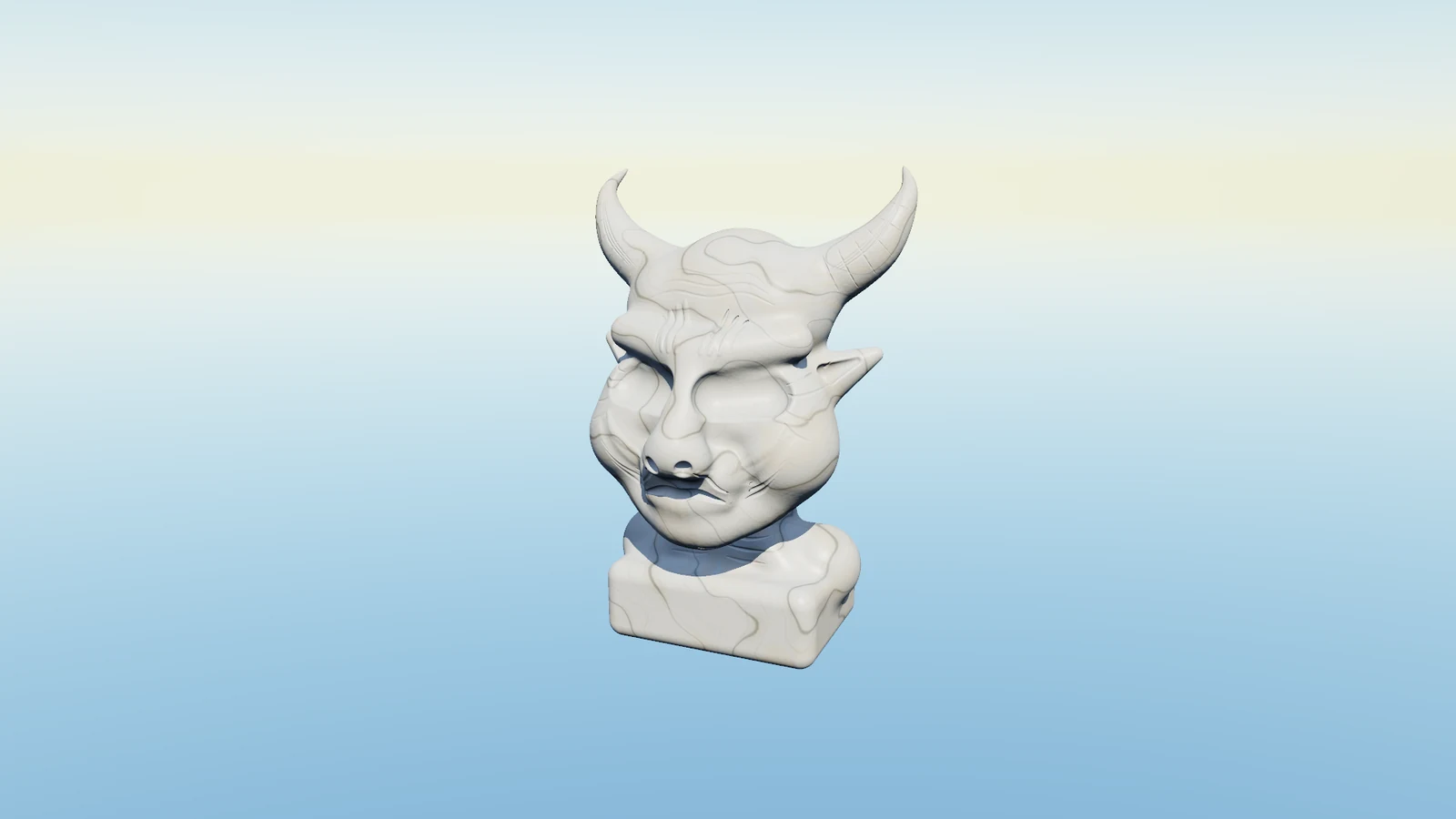
03 · Sculptural strokes
Try a different vocabulary.
Rounded strokes and mirrored edits made softer forms possible. Guardian’s 65 grouped operations contain 1,011 primitive segments. Several sculpture directions were tried; driftwood was retired, and the accepted Guardian settled on limestone and subtle marble.
Explore Guardian ↗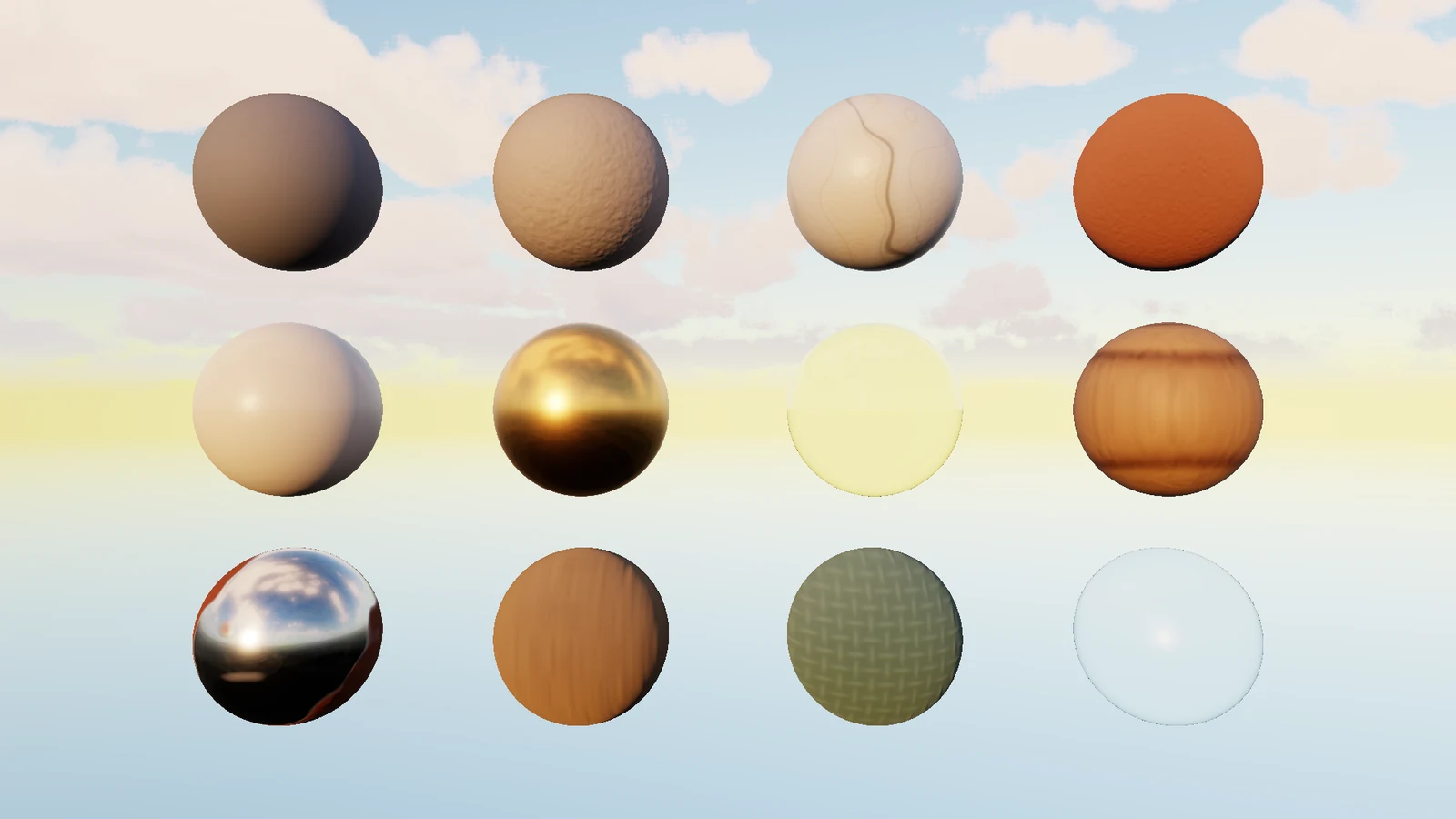
04 · Shared materials
Let the experiment feed the engine.
Material recipes moved into the shared foundation, where forward PBR and SDF workshops can use the same twelve-material library. Atmosphere and clouds now give both a common setting for looking at those surfaces.
Compare the material workshops ↗The saved histories make construction inspectable. They do not qualify interactive sculpting: continuous brushes, incremental field updates and deeper light transport remain separate experiments.
Open the workshop
Follow the implementation.
The diagrams explain the ideas. The source and experiment records show the representation, fixes and limits behind the native results.
Back to SDF forms ↗